How Eco Heroes surveys work
Short surveys help us see whether Eco Heroes changes what children know, how they feel and what they do for the planet. This page explains why we ask, how answers are protected and how each person takes part.
Why we ask
Eco Heroes wants to know whether the programme works, not only whether pupils enjoyed it. Our surveys look at three things:
Knowledge
Do children understand the Global Goal they learnt about, for example which habits save water?
Attitude
Do they care more about the topic, and feel that they can make a difference?
Action
Did they actually do something: at school, at home or with friends?
What we learn, and what schools get
- Eco Heroes uses the answers to improve lessons, videos and missions, and to report the programme’s results as totals.
- Results are seen by Eco Heroes staff only. A school can ask Eco Heroes for a summary of a survey run for it.
- Teachers and parents can tell us what works and what does not, so that the next lessons are easier to use.
How answers are kept safe
No name, e-mail or account is needed to answer. Survey questions do not ask for names, and the survey editor warns the author when a question looks like it asks for personal details.
On the website, surveys are not offered to pupils. Children answer only in the Eco Heroes app, and only after a parent has given permission by e-mail. If the parent withdraws permission, that child’s answers are deleted.
We never store your IP address. To stop one network from sending too many answers we keep a scrambled code (a keyed hash) for 30 days, then delete it.
Your country may decide whether a survey is offered to you, but it is never saved with your answers.
Answers are deleted automatically after 24 months.
If you answer while signed in to an Eco Heroes account, the answer is linked to a scrambled account number, never to your name or e-mail.
Read the details in the Trust Centre → · How Eco Heroes impact studies work →
How it works, step by step
School leader or coordinator
- Tell Eco Heroes what you want to find out. Our team builds the survey in up to 13 languages and opens it.
- For a survey just for your school, we add an access code. Only people with the code can open it.
- When the survey closes, ask Eco Heroes for a summary of the answers.
Teacher
- Open your teacher hub. Open surveys are listed there, and surveys with an access code show the code with a Copy button.
- Share the link or the code with the adults the survey is for, such as colleagues or parents. Pupils answer in the app, not on the website.
- With the survey’s access code, up to 200 people on the same school network can answer each day. Without a code the limit is 5, to stop spam.
Parent
- Open the survey link on any phone or computer, choose your language and answer. It takes a few minutes.
- If your child wants to answer a survey in the app, you receive an e-mail asking for permission. Nothing is recorded unless you say yes.
- You can withdraw permission later in the app. Your child’s survey answers are then deleted.
Child in the app (Changemaker track, 11–16)
- A survey card appears in the app when a survey is open.
- The app asks a parent for permission first. Once they agree, you can answer.
- Do not write your name or other personal details in your answers. Just say what you think!
See it in four steps
-
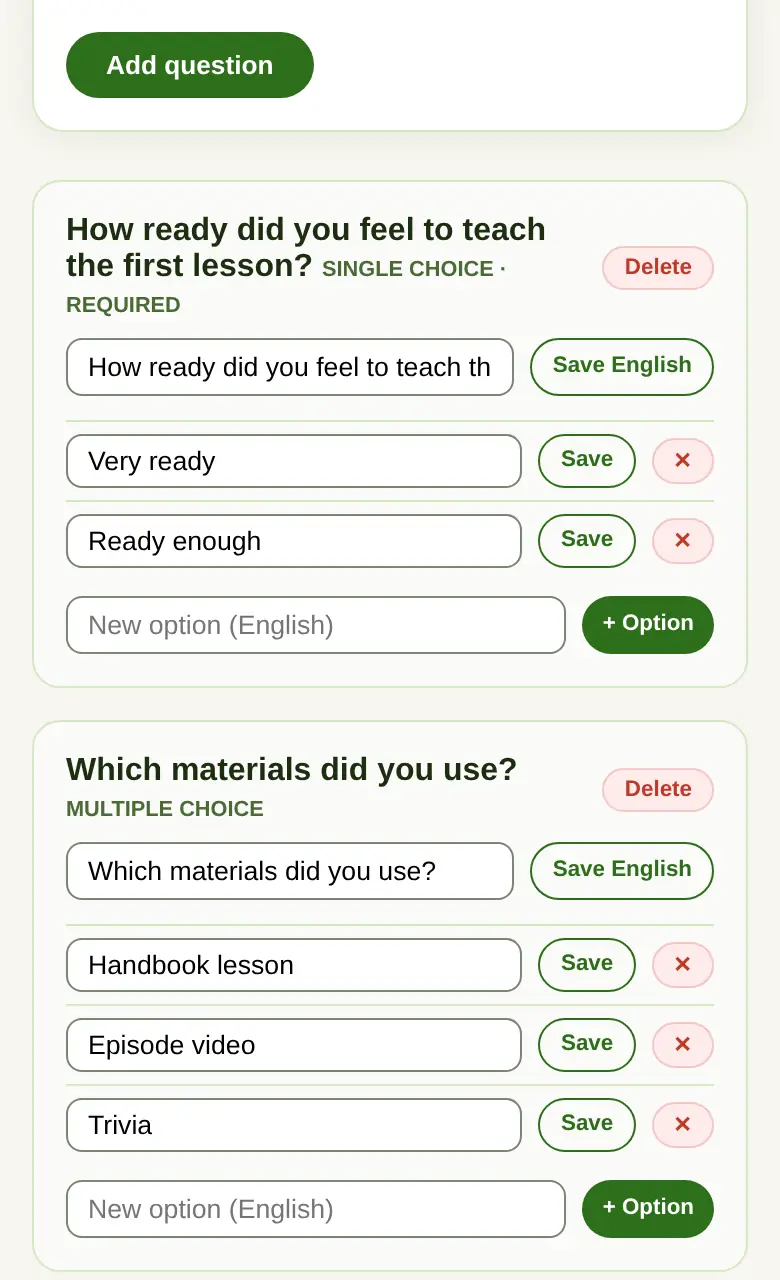
Step 1 of 4 The Eco Heroes team writes the questions and translates them. -
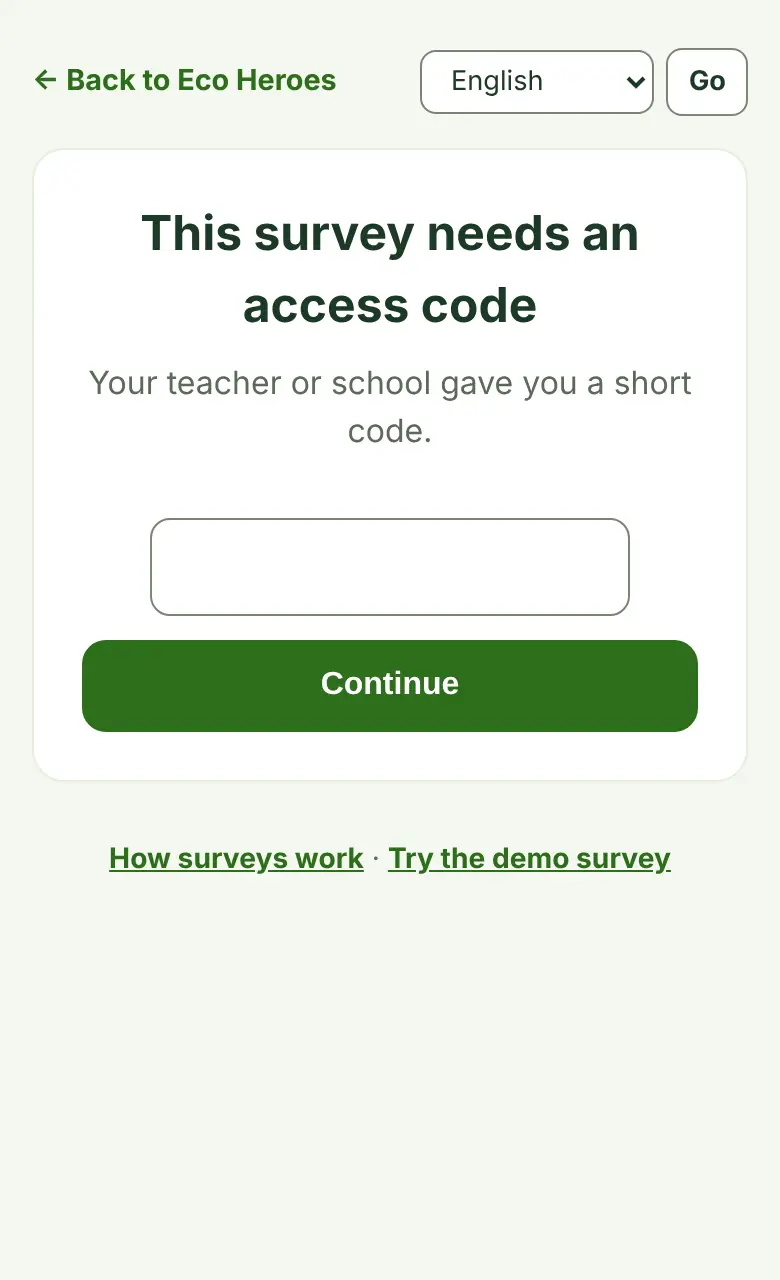
Step 2 of 4 A survey with an access code asks for the code first. -
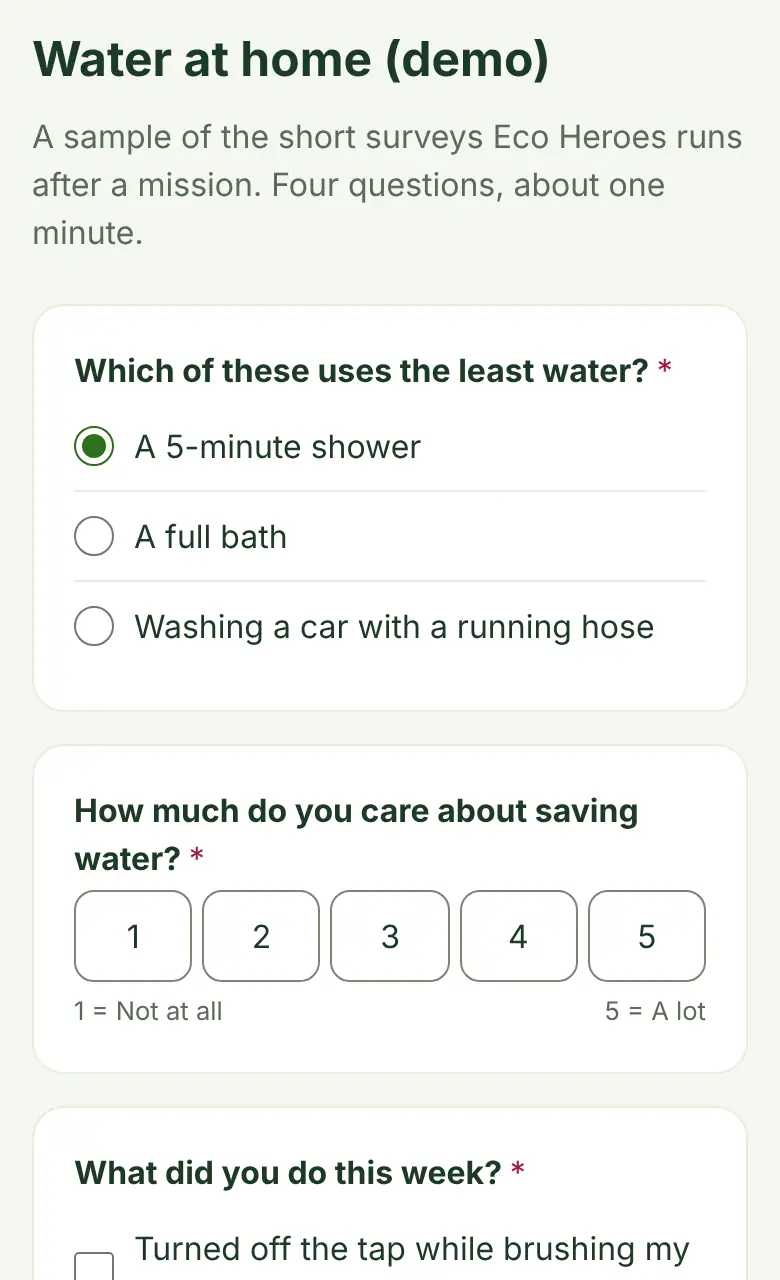
Step 3 of 4 People answer on a phone, tablet or computer, in their own language. -
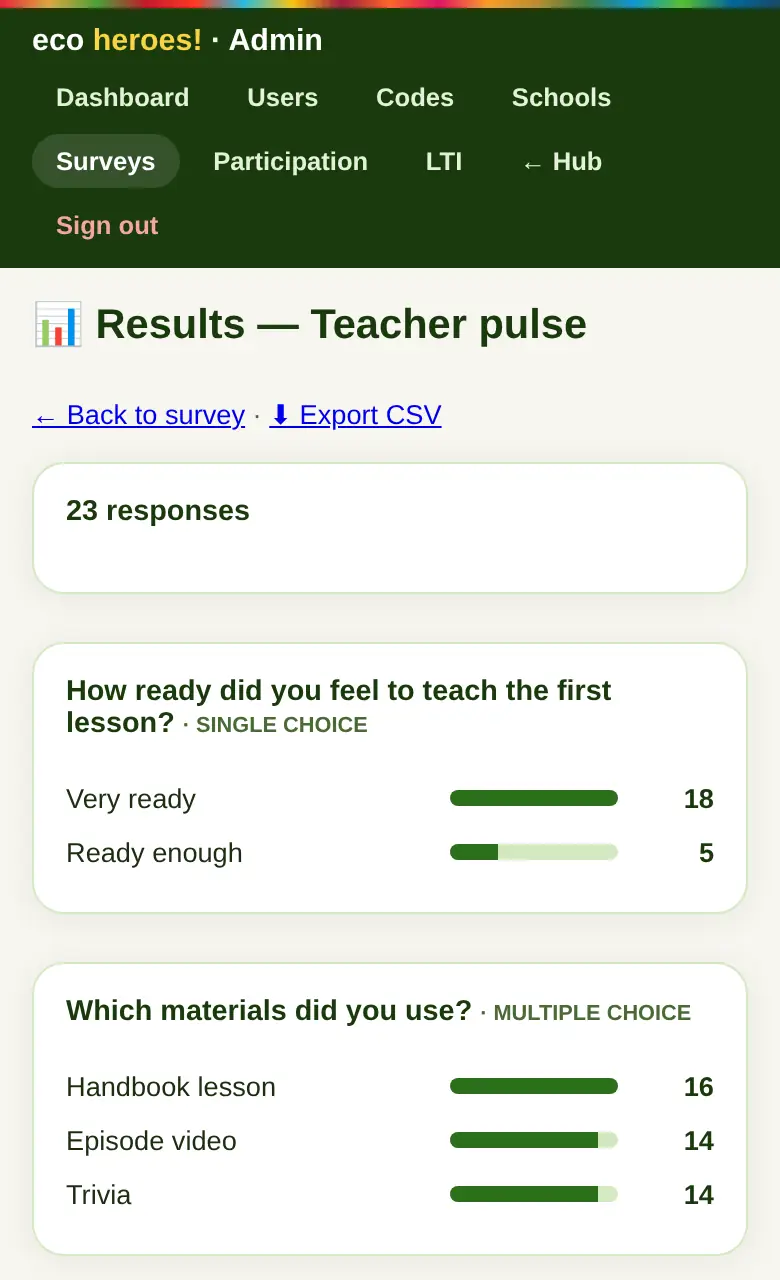
Step 4 of 4 Eco Heroes staff see the totals and can export them for a report.
Questions
Is it anonymous?
Answers are not linked to a name or e-mail. If someone answers while signed in, we store a scrambled account number, not who they are. Written answers are stored as typed, so please do not type personal details.
Can my school see the results?
Results are seen by Eco Heroes staff only. Your school can ask us for a summary of a survey run for it.
How long do you keep the answers?
24 months. After that they are deleted automatically.
Can I answer more than once?
The survey remembers on your device that you have answered. Please answer once, so that the results stay fair.
In which languages?
Thirteen: English, Spanish, Catalan, French, German, Italian, Portuguese, Dutch, Arabic, Japanese, Korean, Chinese and Danish.
Try it yourself
Answer a sample survey and see the kind of summary a school gets. Nothing is saved.